Looking for a free worksheet generator? Lesson Dino is an AI worksheet generator for teachers. A normal worksheet maker gives you a blank template to fill in. Lesson Dino writes the whole worksheet for your topic and class: the questions, the tasks and the answer sheet.
How to make a worksheet
- Type the topic and the year or grade. For example, "Year 5 fractions", "Grade 4 weather" or "Reception shapes". You can also type an age.
- Choose how many pages and the difficulty. Pick from 1 to 20 pages. Then pick one of 5 difficulty levels.
- Choose the tasks, or leave them to Lesson Dino. Tick the kinds of task you want, or let the app pick ones that suit your topic.
- Check it, change it and download it. Read the worksheet, change anything you like, then download it.
Real worksheets made with Lesson Dino
These come from our free library. Each one was made with the app and checked before it was published. Click one to see every page and the answer sheet.
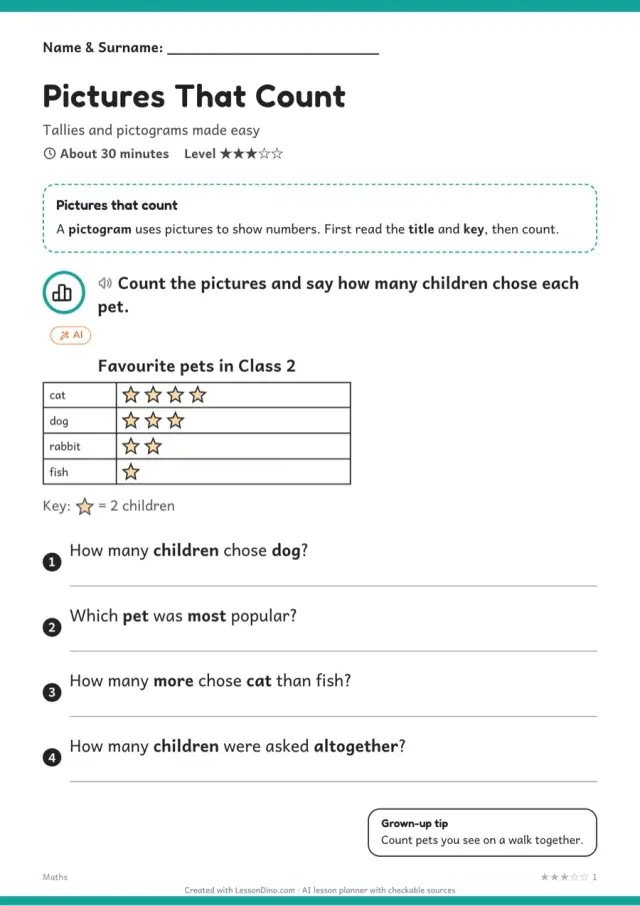 Year 2 Maths
Pictograms and tally charts worksheet
5 pages and an answer sheet
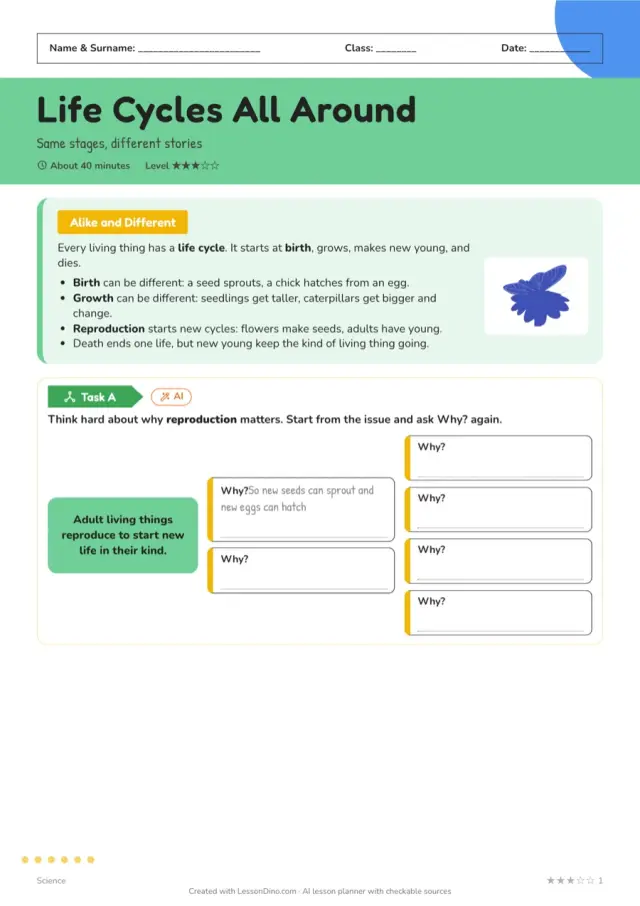 Grade 3 Science
Life cycles worksheet
5 pages and an answer sheet
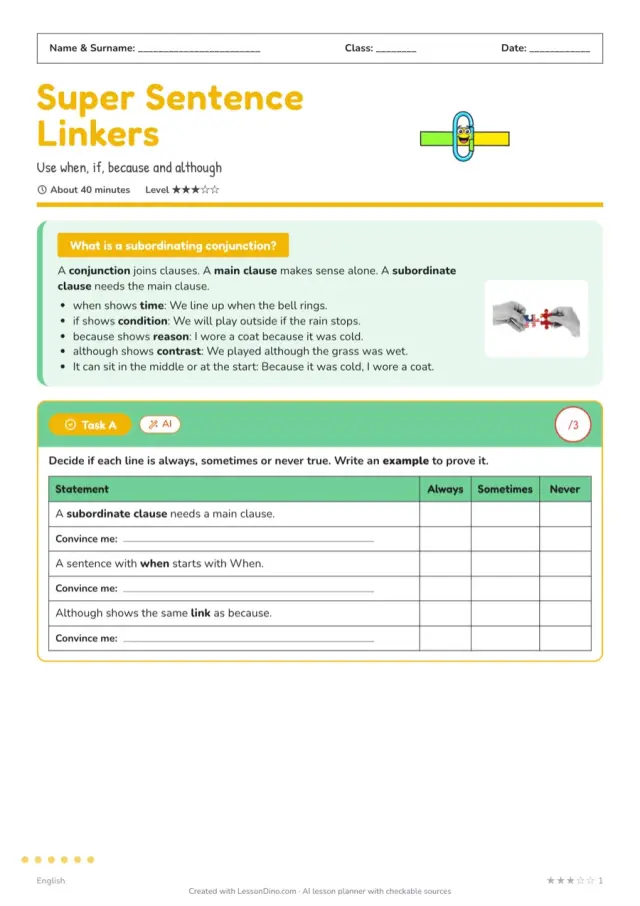 Year 4 English
Subordinating conjunctions worksheet
5 pages and an answer sheet
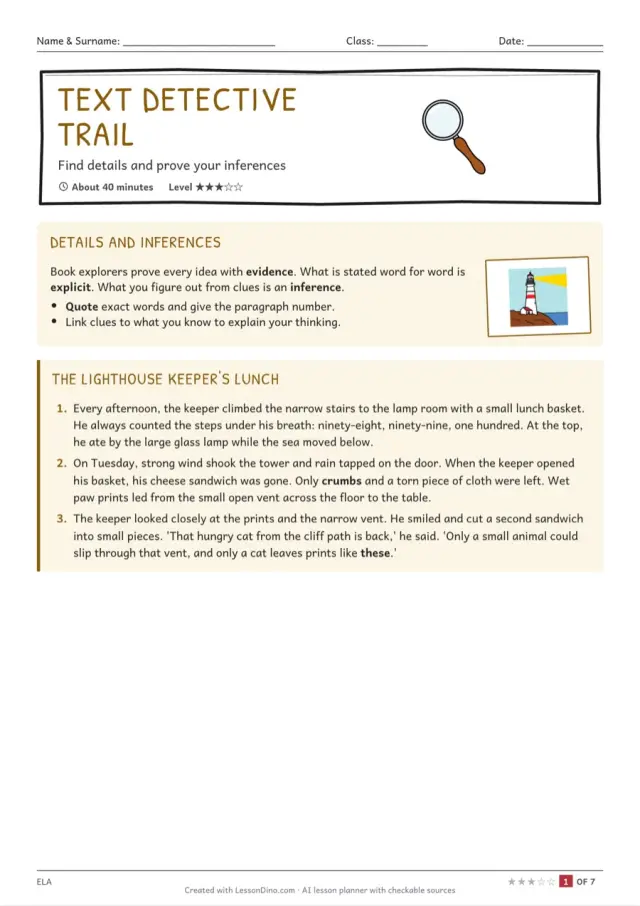 Grade 4 ELA
Reading comprehension: details and inferences worksheet
7 pages and an answer sheet
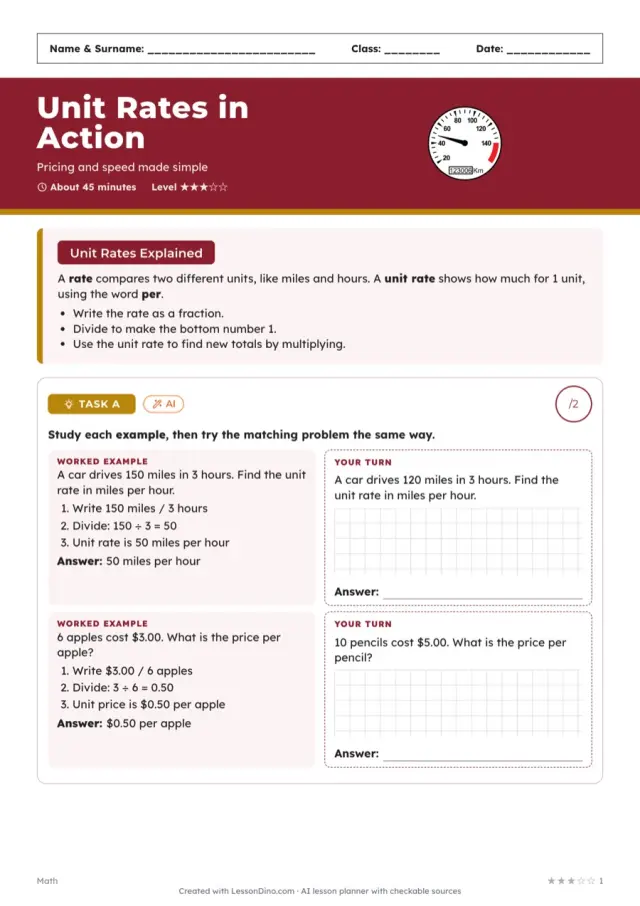 Grade 6 Math
Unit rates worksheet
5 pages and an answer sheet
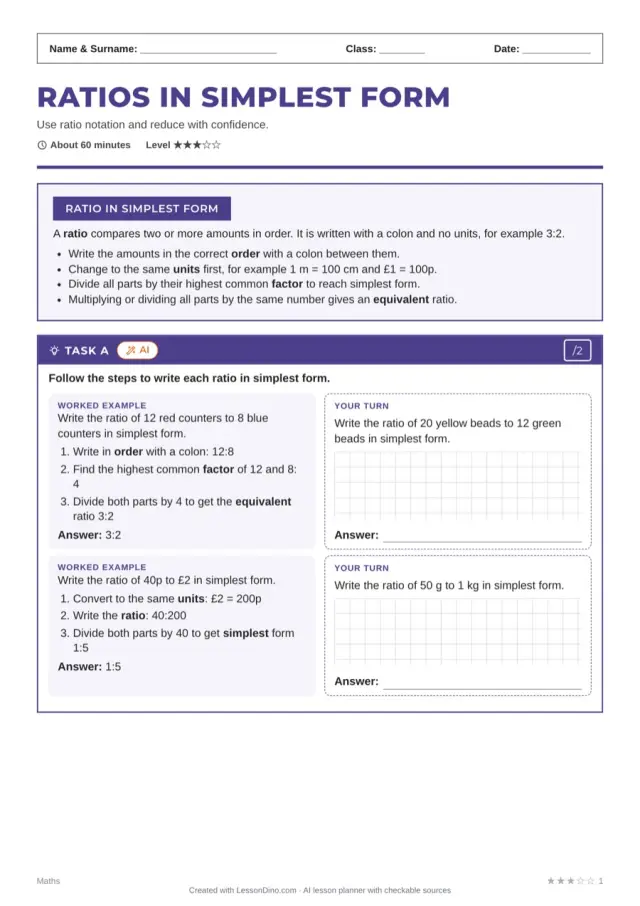 Year 7 Maths
Ratio worksheet
6 pages and an answer sheet
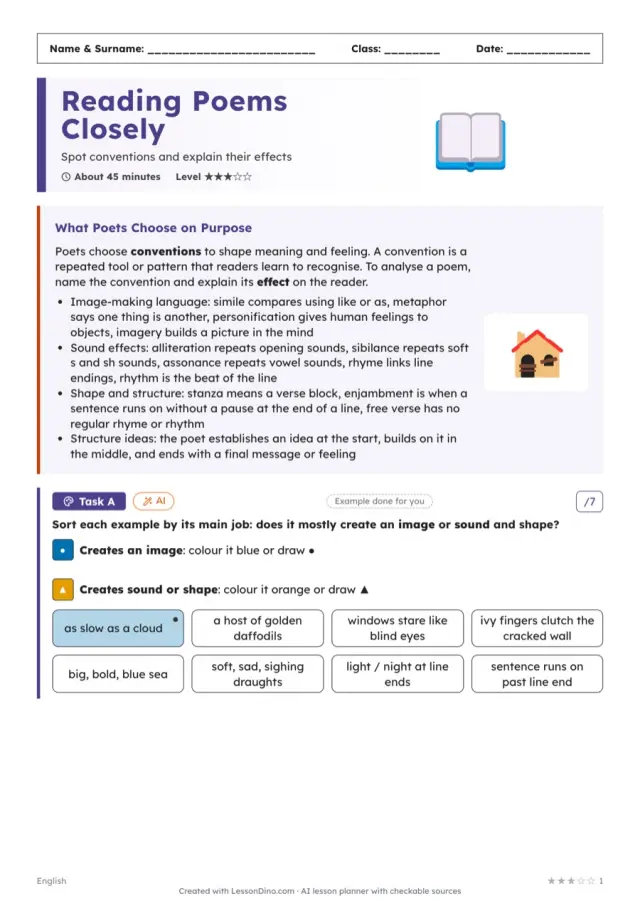 Year 7 English
Analysing a poem worksheet
6 pages and an answer sheet
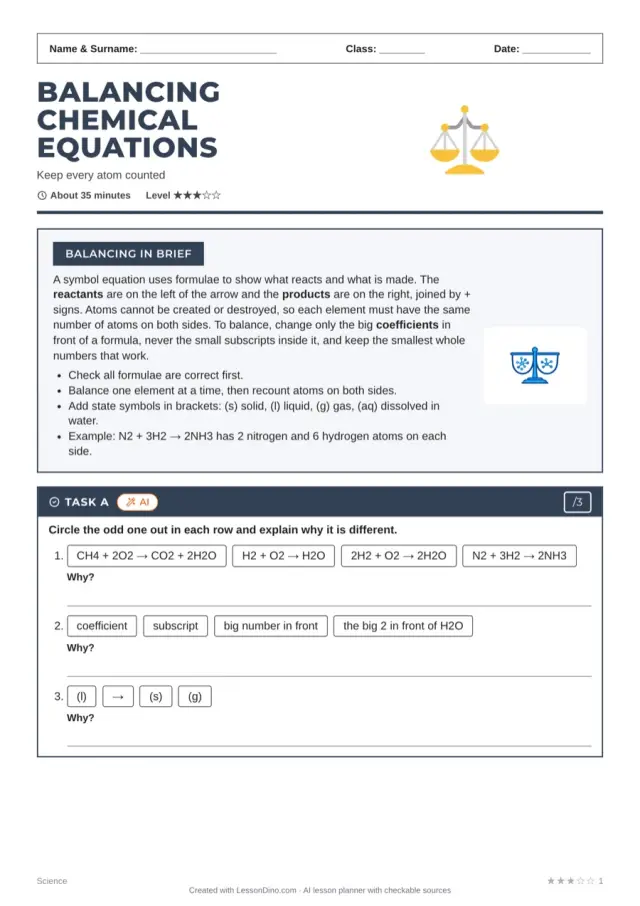 Year 9 Science
Balancing chemical equations worksheet
5 pages and an answer sheet
You can find every worksheet in the free library.
136 kinds of task
Lesson Dino has 136 kinds of task, in 8 groups. Here are the groups, with some examples from each:
- Everyday tasks: matching, fill the blanks, true or false, multiple choice, word search, crossword, timeline, label the pictures
- Thinking and discussion: diamond nine, concept cartoon, always, sometimes or never, Frayer word map, fact or opinion
- Games and activities: picture bingo, memory pairs, class survey, storyboard
- Writing: PEEL paragraph, story frame, letter or postcard, proofread, annotate a text
- Exams and revision: command-word ladder, mark like an examiner, retrieval grid, revision clock
- Practical, science and food: experiment sheet, recipe card, fault finder
- Young children and extra support: trace the words, sound boxes, count and circle, colourful semantics, picture-supported steps
- Maths: practice questions that get harder, worked examples, number lines, bar models, fraction bars, clocks, coordinates, pictograms and line graphs
Lesson Dino picks tasks that suit the topic and age. Or you can choose them yourself.
Answers you can check
Every worksheet comes with an answer sheet. On maths worksheets, the app works out the answers to its drawn tasks with code, not AI. It also checks the AI's other maths answers and fixes the ones it can. Anything that still looks wrong is marked ⚠ on the answer sheet.
Reading tasks print the passage they use, so the text sits with the questions.
Still check the answer sheet before you hand out the worksheet. The app can make mistakes. Our guide to checking AI teaching materials explains what to look for.
Pictures and diagrams
Maths diagrams, such as number lines, fraction bars, charts, clocks and shapes, are drawn from the numbers in each question. So a fraction bar that shows 3/5 has five equal parts.
Other pictures come from free picture libraries, and their credits are printed on the sheet. The AI looks at each picture. If one does not fit, it swaps or removes it, and leaves a box for pupils to draw in. There is also a black-and-white version for printing.
One worksheet, every pupil
You can choose from 5 difficulty levels. Each task also has a Change button with options such as Simpler, Harder, More questions, Fewer questions, Add an example and Another kind of task.
There is also an "Extra help" copy for pupils who need more support. In the notes box, you can write things like "two pupils with dyslexia". You can also switch to a clear font such as Lexend. For more ideas, see our differentiation strategies guide.
Worksheet maker or AI worksheet generator?
A worksheet maker like Canva or BrightSprout gives you a template or a puzzle generator. You write the content yourself.
An AI worksheet generator writes the questions too. Lesson Dino does that, and it also makes the slides and lesson plan for the same lesson, so they match.
If you already have your questions, a template maker is the better choice. For maths, see our maths worksheet generator.
Free to start
Lesson Dino is in free beta. You get 10 free lessons, and no card is needed. When you have used them, you can ask for more.
Download a PDF to print, or a Word file to edit in Word, Pages or Google Docs.
Questions teachers ask
Is it free?
Lesson Dino is in free beta. You get 10 free lessons, and no card is needed. When you have used them, you can ask for more.
Can I edit the worksheet?
Yes. Change any task, or use the buttons on a task to make it simpler, harder, longer or shorter. You can also download the Word file and edit it there.
Can I open it in Google Docs or Word?
Yes. The Word file opens in Microsoft Word, Pages or Google Docs. Download the PDF if you only want to print it.
Which ages and subjects?
Any topic you type, for the year or grade you choose. The tasks change with the age of your pupils.
Are the answers right?
Lesson Dino checks maths answers with code where it can, and marks any answer that still looks wrong with ⚠. It can still make mistakes, so check the answer sheet before you hand out the worksheet.
How is it different from a worksheet maker like Canva?
A worksheet maker gives you a template, and you write the questions. Lesson Dino writes the questions and tasks too, for your topic and class.